
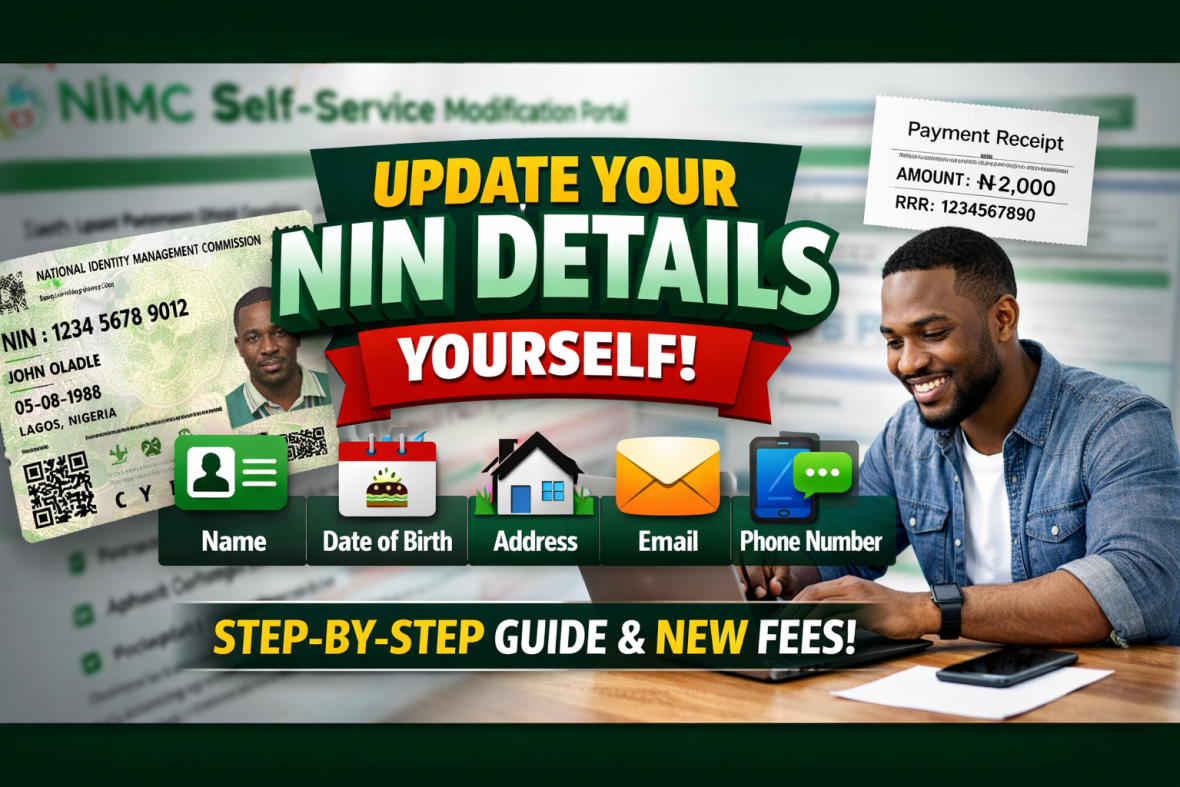
How to Update Your NIN Details Yourself (Name, Date of Birth, Address, Email & Phone Number)
Do you want to correct or update your NIN details without paying agents or visiting multiple offices?
Good news — you can now modify your National Identification Number (NIN) details yourself through the official NIMC Self-Service portal.
This guide explains the exact steps, required documents, and current fees involved.
What You Can Update on Your NIN
You can modify:
✅ Name (spelling errors, change of surname, marriage name)
✅ Date of Birth (DOB correction)
✅ Home Address
✅ Email Address
✅ Phone Number
All requests must be done through the official NIMC platform.
Step-by-Step: How To Modify Your NIN Details
Step 1: Visit the Official NIMC Self-Service Portal
Go to the official website:
👉 https://selfservicemodification.nimc.gov.ng
Make sure you are on the correct government website before proceeding.
Step 2: Login With Your NIN
Enter your 11-digit NIN
Verify with the phone number linked to your NIN
Complete OTP verification if required
Step 3: Select the Field You Want to Modify
Choose from:
Name correction
Date of birth correction
Address update
Email update
Phone number update
Fill in the correct information carefully.
Step 4: Upload Supporting Documents
Depending on the correction, you may need:
For Name Change:
Affidavit
Marriage certificate (if applicable)
Newspaper publication (if required)
Valid ID card
For Date of Birth Correction:
Birth certificate
NPC attestation (if required)
Sworn affidavit
For Address Update:
Utility bill
Tenancy agreement
Bank statement showing new address
For Phone/Email Update:
Valid ID for verification
Ensure documents are clear and readable before uploading.
Step 5: Pay the Required Fee
Current Fees:
Name, Address, Email, Phone modification: ₦2,000
Date of Birth correction: ₦28,574
The system will generate a payment reference (RRR).
You can pay online or through approved payment channels shown on the portal.
Always save your payment receipt.
Step 6: Submit and Wait for Approval
After submission:
You will receive confirmation
NIMC will review your request
You will be notified once approved
Processing time may vary depending on the type of modification.
Important Tips
Only use the official NIMC portal
Do not pay individuals claiming they can “speed up” the process
Double-check your documents before submission
Keep your payment receipt safe
Official Portal
CLICK HERE TO START YOUR NIN MODIFICATION:
https://selfservicemodification.nimc.gov.ng